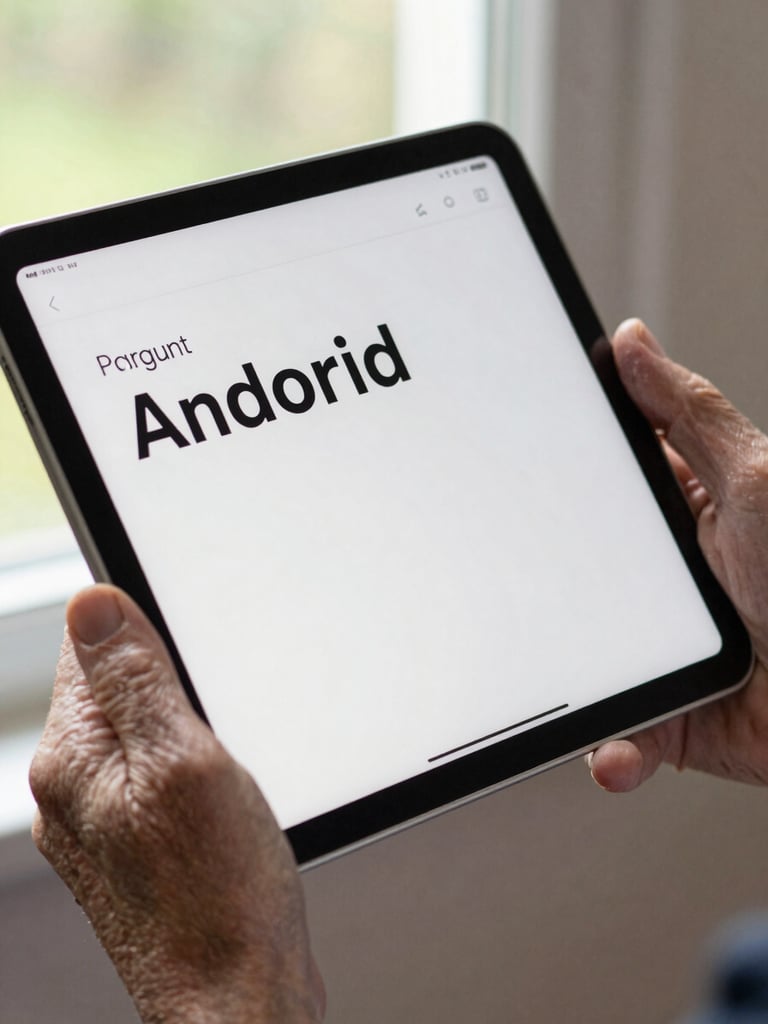
Close-up of an Android tablet screen showing a clean app UI with large legible text, held in the aged hands of an older adult, natural daylight from a window, tight frame cutting off at the wrist
/ Android Case Studies

Shipped work. Real constraints. Every age.

Each project here began with the most constrained user in its target group. What you see is what that discipline produces in durable, Android-native code.
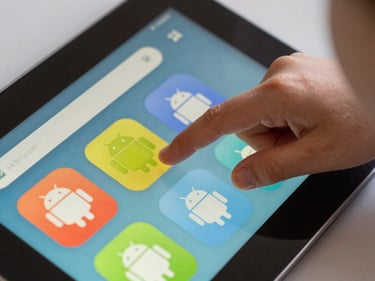
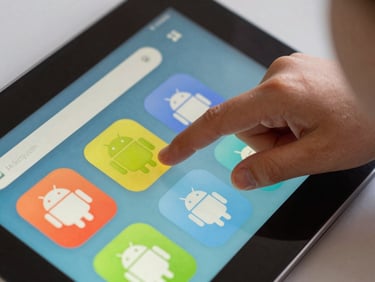
Extreme close-up of a child's finger tapping a brightly colored Android app interface on a tablet, natural indoor daylight, tight frame showing only the screen and small hand
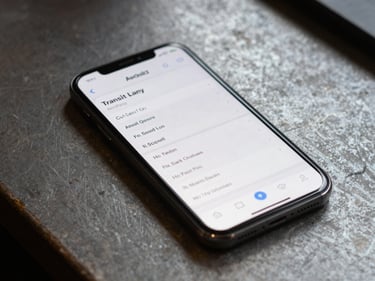
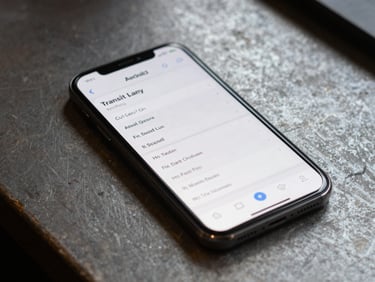
Android phone screen showing a transit scheduling app with high-contrast text, resting on a worn workbench surface, diffuse natural light from above, no hands visible
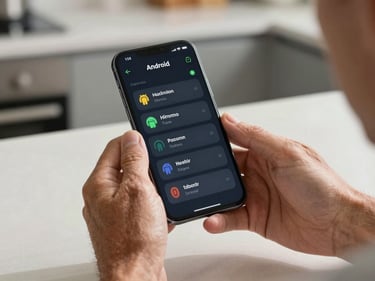
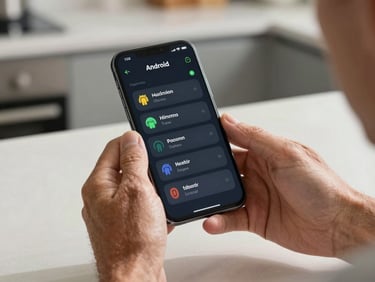
Close-up of middle-aged hands holding an Android phone displaying a health tracking dashboard with clear typography, seated at a kitchen table, soft daylight from the side
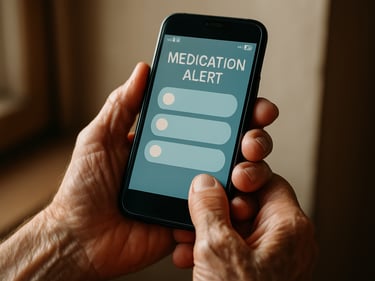
Elderly person's hands, slightly trembling, holding an Android phone with a large-text medication reminder app on screen, warm natural window light, close crop on the device and hands only
— Selected Projects

Four briefs. Four age contexts.

Ages 6–10
Ages 18–35
Ages 40–60
Ages 65+

LearnPath

RouteDesk

VitalLog

CareAlert

Medication and wellness companion for seniors. Constraint: motor tremor, low-vision defaults on, no assumed smartphone fluency. Navigation survives reading glasses and reduced dexterity.

Field operations scheduling for logistics workers. Constraint: one-handed use under time pressure, often outdoors. Designed for gloved thumbs and bright sunlight.

Chronic condition tracker for working adults. Constraint: data entry in under 90 seconds during a busy day. Persistent state means no lost records on interruption.

A literacy-building app for early readers. Constraint: non-readers navigate by shape and color alone. Every tap target engineered for small, imprecise fingers.

+ One method, every project

Every brief above opened with the same question: who on this user spectrum will struggle most? That answer shapes tap target size, contrast ratios, error recovery, and state persistence — before a single screen is drawn.

Start with the hardest user.

Android-native throughout. No cross-platform shortcuts that erode system-level accessibility behaviors. The constraint is the craft.

Have a brief that needs engineering discipline?

Tell us the age range, the problem, and the platform. We'll tell you what the hardest constraint is and how we'd approach it.